
Short answer: A VAG OBD scanner should be chosen against the exact car and diagnostic task, not the VAG label alone. The current product page identifies the VD500 as a vehicle diagnostic scanner and lists 12 V operating voltage plus a -20 to 40 degrees C working-temperature range. It does not publish supported Volkswagen, Audi, SEAT or Skoda models, model years, control units, connector details or named diagnostic functions. Before purchase, write down the vehicle, warning light and result you need. Confirm those details in the instructions or with the seller, and treat any unstated capability as unconfirmed.
What the VD500 page confirms
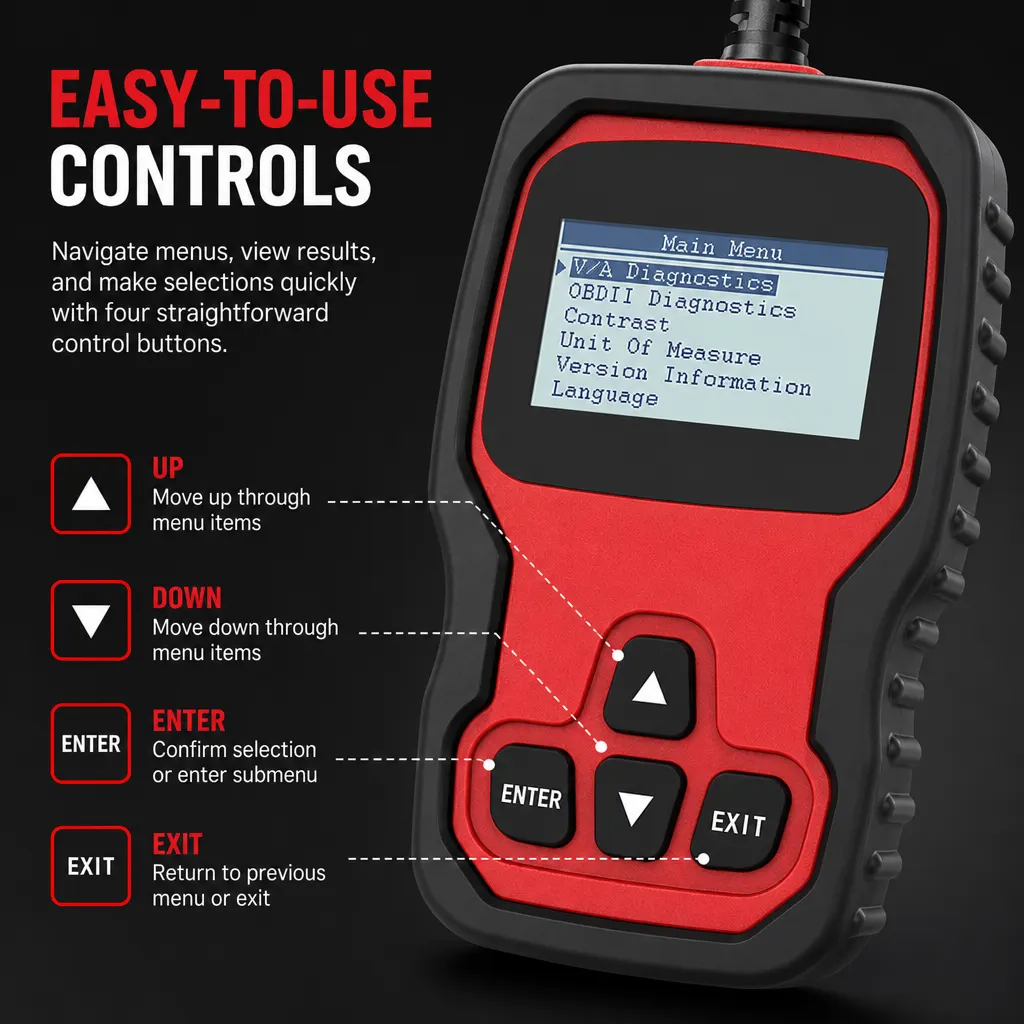
The documented product is the VD500 Vehicle Diagnostic Scanner. The page lists 12 V operating voltage and a -20 to 40 degrees C working-temperature range. Those are useful identification and environment facts, but they do not establish that the scanner communicates with every VAG vehicle or every module fitted to one.
The manufacturer does not specify a model-by-model coverage list, supported protocols, connector arrangement, display language, code database, live-data function, reset function or supplied cable on the current product page. Do not borrow those details from another scanner listing.
| Buying question | Documented position | Still needs confirmation |
|---|---|---|
| Product identity | VD500 Vehicle Diagnostic Scanner | The exact configuration supplied |
| Electrical listing | 12 V operating voltage | Vehicle and connection procedure |
| Working environment | -20 to 40 degrees C listed | Instructions and actual site conditions |
| VAG coverage | Manufacturer does not specify | Exact make, model, year, engine and system |
Match the scanner to the car
A search for a VAG scanner may cover very different jobs: checking stored information after a warning light, investigating an intermittent symptom, inspecting a used car or asking about a particular control unit. Those jobs need not have the same coverage. A scanner that connects to one vehicle may not provide the same information on another.
Use the vehicle details as the first filter. Record the make, model, year, engine if known, registration or VIN, dashboard wording and when the symptom occurs. Ask whether the selected VD500 configuration supports that vehicle and named system. If the answer only repeats that it is a vehicle scanner, compatibility remains unconfirmed.
HSE vehicle repair guidance supports planned work, suitable equipment and competent people. A scanner does not remove the need to control the vehicle, follow its service information or stop when the task exceeds your knowledge.
- Write down the exact car and the warning or inspection question.
- Ask for written confirmation of the VD500 vehicle and system coverage.
- Check the connection method, required equipment and operating instructions.
- Record the result without treating it as a repair verdict.
- Use a qualified repairer when the issue affects vehicle safety or the next action is unclear.
Use a code as evidence, not a diagnosis
Even when a scanner displays a code, the code may describe a detected condition rather than identify the component that must be replaced. Compare the exact wording with the symptom, recent work and other checks. The VD500 page does not state how codes are interpreted or whether it offers guided testing, so do not promise that it will find the root cause.
Do not clear a warning simply to make the dashboard look normal. Save the code and vehicle details first, then ask what the result proves and what it leaves open. If the car has unsafe handling, loss of braking, smoke, overheating or another urgent symptom, stop using it and arrange appropriate professional assessment.
Limits and checks before buying
The VD500 is a candidate for a defined information-gathering job only when its exact vehicle and system coverage is confirmed. The manufacturer does not specify universal VAG compatibility, code coverage, reset functions, connector details, app or laptop requirements, supplied accessories, accuracy, certification or service life.
Choose a different or better-documented tool when any missing field affects the decision. For vehicle repair work, HSE guidance remains the boundary: plan the job, use suitable equipment and keep work within the operator's competence. The product name should not be treated as permission to experiment on a safety-critical system.
Related guides and product details
Buy the VD500 only after its documented coverage matches your exact VAG vehicle and task; otherwise use a better-documented scanner or ask a garage. Read VD500 Scanner UK: What the Product Page Really Confirms for related guidance. Read VW Fault Code Scanner: Check the Job Before the Model for related guidance. Review the documented specification on the VD500 Vehicle Diagnostic Scanner product page before ordering.
Sources and safety context
- Supports the VD500 identity, 12 V operating voltage and -20 to 40 degrees C working-temperature listing. Current VD500 product page.
- Provides official UK guidance for planning vehicle repair work, using suitable equipment and maintaining competence boundaries. Motor vehicle repair.