
Short answer: A VW fault code scanner is useful only if it can communicate with the exact vehicle and system involved. The current VD500 page identifies the product as a vehicle diagnostic scanner and lists 12 V operating voltage with a -20 to 40 degrees C working-temperature range. It does not publish VW model coverage, model years, engine coverage, control units or code functions. Before purchase, record the car details and dashboard symptom, then ask for written confirmation of the required coverage. If a result is produced, preserve it as diagnostic evidence rather than treating it as proof of a failed component.
A VW search does not prove VW coverage
The phrase VW fault code scanner describes a buyer's need, not a published capability of the VD500. The current page confirms the product name, 12 V operating voltage and -20 to 40 degrees C working-temperature range. It does not name Volkswagen models, years, engines, protocols or control units.
That distinction matters because engine, airbag, braking, transmission and body systems are separate diagnostic questions. The manufacturer does not specify which of those, if any, the VD500 can access. Ask for the exact vehicle application instead of assuming the product title covers the warning you have.
| Vehicle detail | Why it matters | VD500 page position |
|---|---|---|
| VW model and year | Coverage may vary by vehicle | Manufacturer does not specify |
| Engine and system | The warning may relate to a particular module | Manufacturer does not specify |
| Voltage | The listing gives a basic electrical reference | 12 V operating voltage listed |
| Working conditions | Outdoor and workshop conditions differ | -20 to 40 degrees C listed |
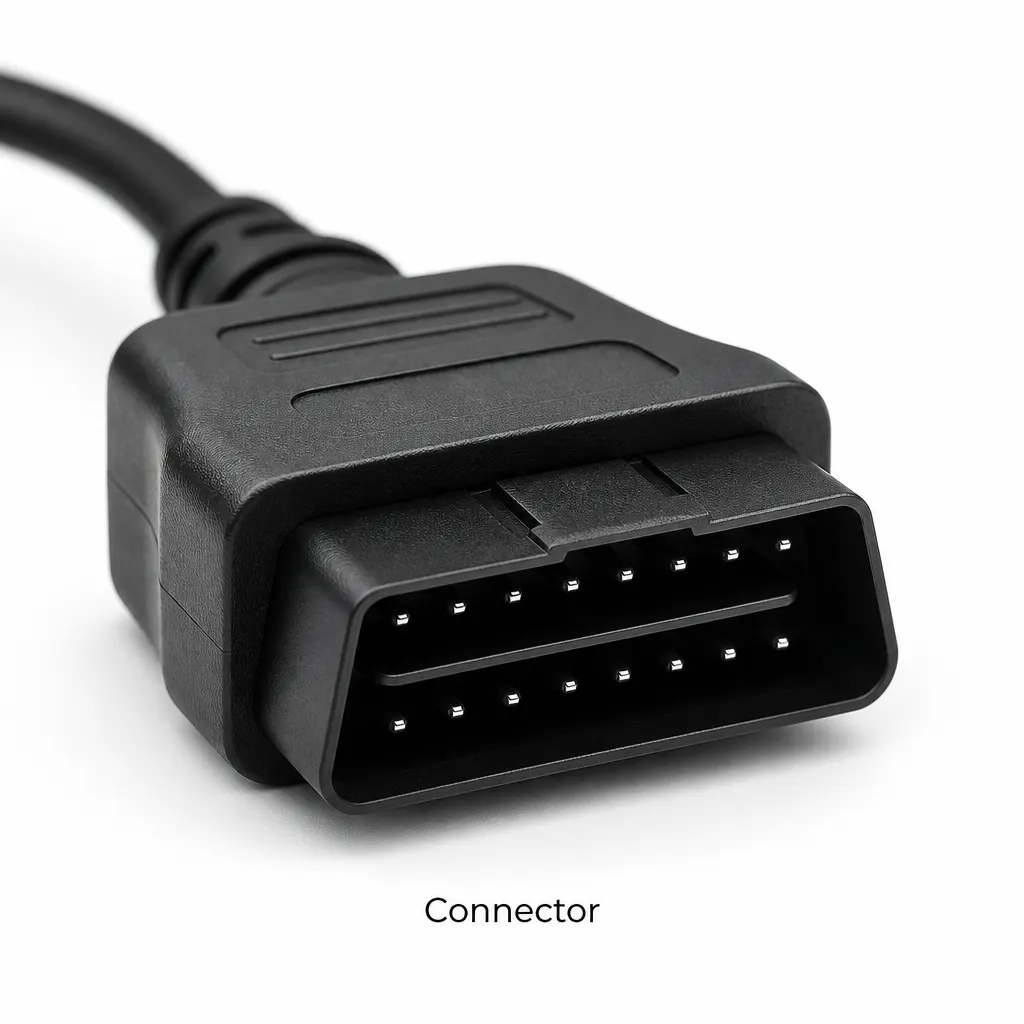
Prepare a controlled vehicle check
Before connecting anything, write down the registration or VIN, model, year, engine if known, mileage, warning-light wording and when the symptom occurs. This record helps separate a scan result from the wider vehicle history. Keep the car stationary, use the supplied instructions and do not change settings merely to make a warning disappear.
HSE vehicle repair guidance places diagnostic activity inside planned work with suitable equipment and competent people. If the symptom involves braking, steering, smoke, overheating or unsafe handling, stop and obtain appropriate repair help instead of relying on an unconfirmed scanner function.
- Describe the VW and the dashboard warning in plain language.
- Confirm the VD500 is the selected configuration you intend to buy.
- Ask which VW system and model details are supported.
- Connect only as the exact instructions direct and save the displayed result.
- Take the result to a qualified repairer when the cause or safety decision is unclear.
What a code can and cannot tell you
A code can point towards a condition, but it may not identify the failed part. Wiring, connectors, sensors, modules and operating conditions can all affect an investigation. The VD500 page does not state its code database or interpretation method, so the product listing cannot support a promise of root-cause diagnosis.
Keep the exact code and the circumstances in which it appeared. Do not clear it before recording it, and do not buy a replacement part solely because a scanner message sounds specific. A garage may need further tests or physical inspection.
Limits before choosing the scanner
The manufacturer does not specify VW coverage, supported model years, engine variants, control units, connector details, code clearing, live data, resets, software requirements, certification or service life. Those gaps are material if your decision depends on a particular warning or repair action.
Use the VD500 as a possible first-information tool only after exact coverage is confirmed. If that confirmation is unavailable, select a product with a published application list or ask a garage what access is needed. The listed 12 V and temperature facts do not replace that compatibility check.
Related guides and product details
For a VW fault-code question, verify the exact car and system first; buy the VD500 only when its documented scope matches that job. Read VAG OBD Scanner: Check Compatibility Before You Buy for related guidance. Read VD500 Scanner UK: What the Product Page Really Confirms for related guidance. Review the documented specification on the VD500 Vehicle Diagnostic Scanner product page before ordering.
Sources and safety context
- Supports the VD500 identity, listed 12 V operating voltage and -20 to 40 degrees C working-temperature range. Current VD500 product page.
- Supports planned vehicle repair work, suitable equipment and competence limits. Motor vehicle repair.